Club Tracking Camera
for SkyTrak, Mevo, GC3, MLMpro ... etc
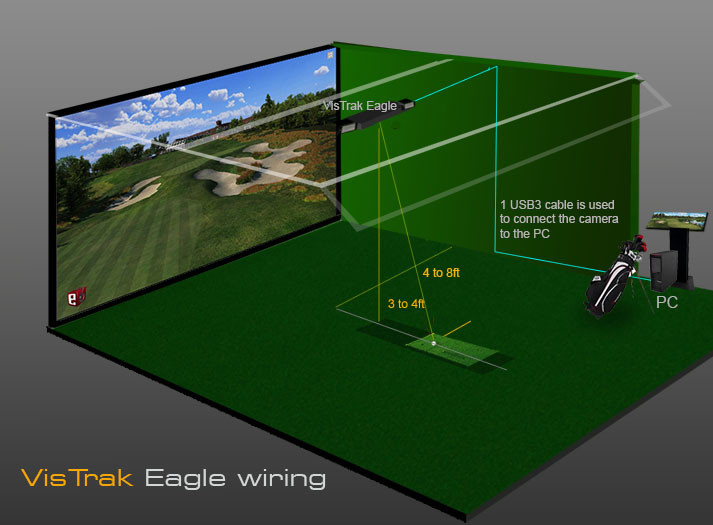
Ceiling mounted to function for both LR and RH players
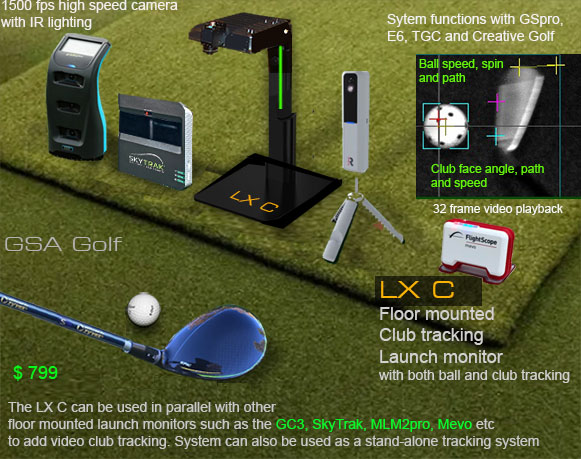

Already have a floor mounted Launch Monitor?
Add club tracking video playback to your existing launch monitor
with the VisTrak Eagle club tracking camera
System can be used with floor mounted launch monitors that don't feature overhead club tracking cameras
(eg SkyTrack, MLMPro2, Uneekor Mini, Mevo, GC3, Trackman etc)
as an add-on camera club tracking system with full post shot club tracking video playback
Please note!
The VisTrak Eagle Club tracking data will not be integrated with your existing launch monitor.
It is an entirely separate system and the club tracking shot video playback is only used for viewing and analysis purposes .
However,
the VisTrak Eagle Club Tracking camera
can also be used as a stand alone tracking system the integrates with GSpro, E6, TGC and other golf game software.

VisTrak Eagle Club Tracking Camera

$ 899
Functions with TGC, E6, CG3D and GS Pro game software
Click above images to read more ...
Optional Club markings
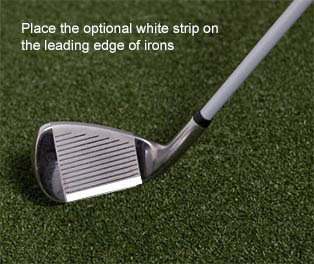
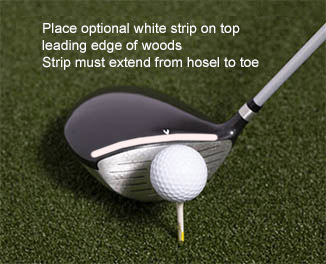
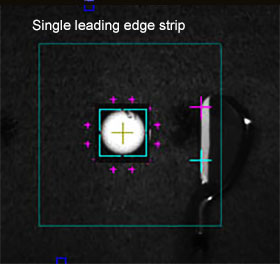
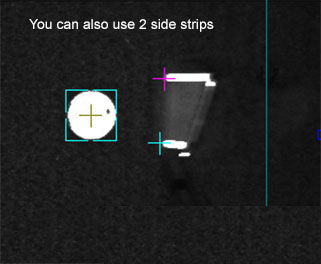
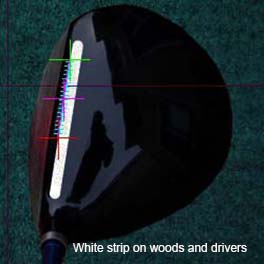
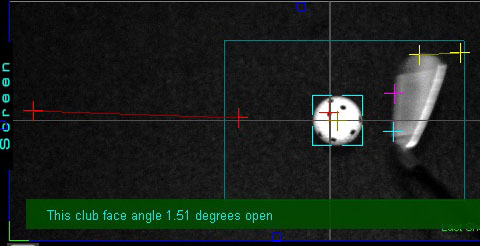
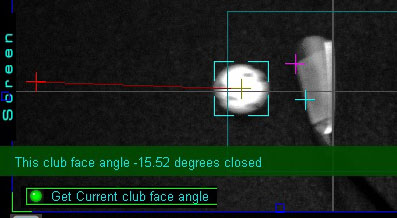
One or two white strips can be applied to the leading edge of irons and the top edge of woods
in order for the system to detect more precise club face angle, speed and path.
However, the system will also function with regular clubs without these markings.
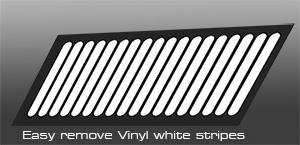
System is supplied with a set of white strips

Measured Club detection without markings on clubs
VisTrak Eagle Club detection using IBS
Club detection without the requirement to apply white strips or other markings to the club
Club Detection Setup
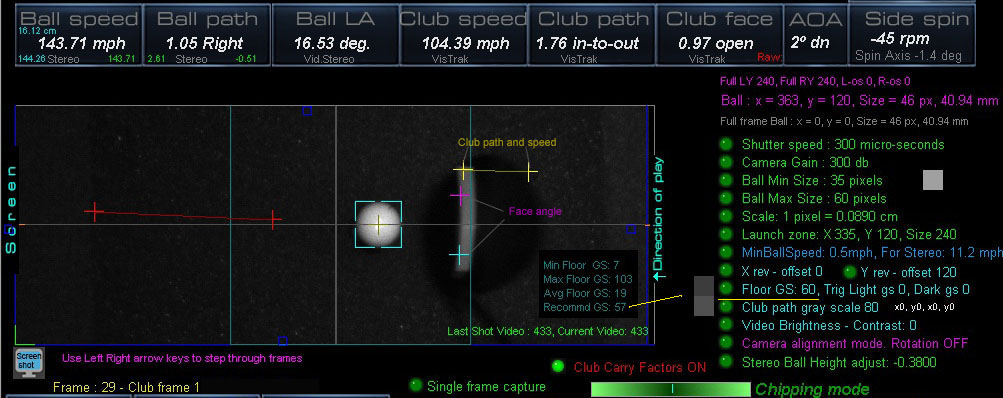

Click above to read how the system detects club data with or without reflective stickers
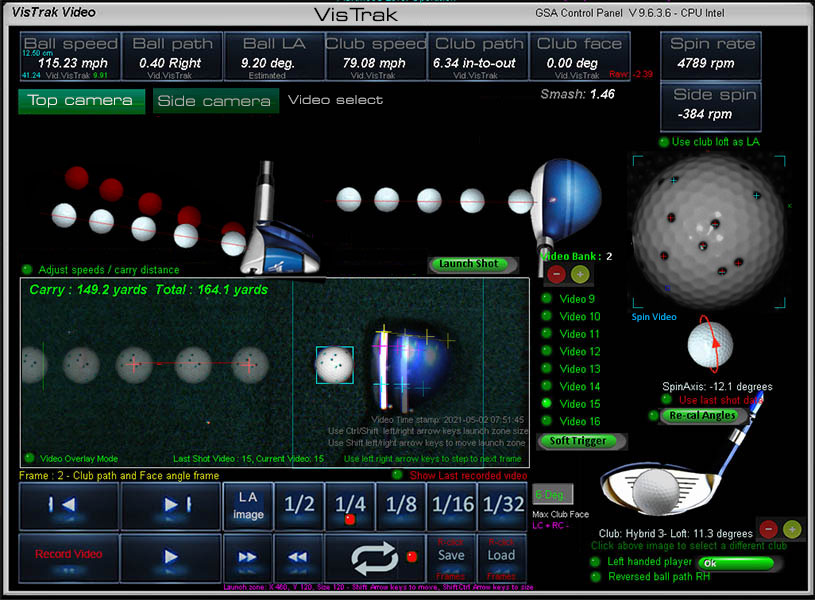
Video shot replay
The VisTrak Eagle features swing video playback from its overhead hi-speed camera.
Shot video playback is available after every shot.
Each captured shot video is stored in a database that can store up to 500 shot videos.
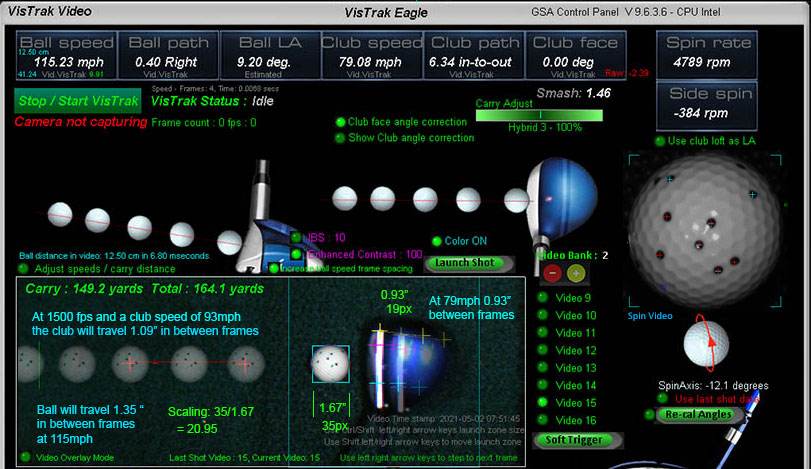

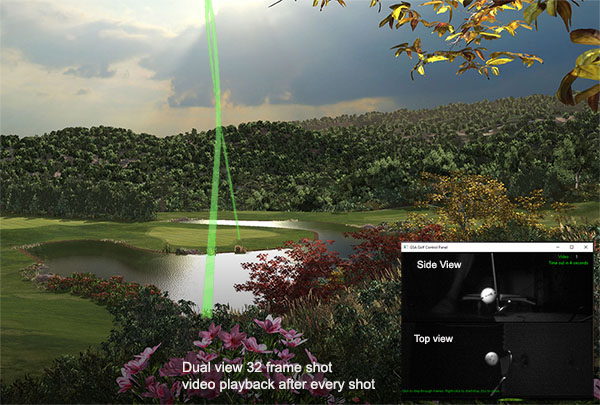
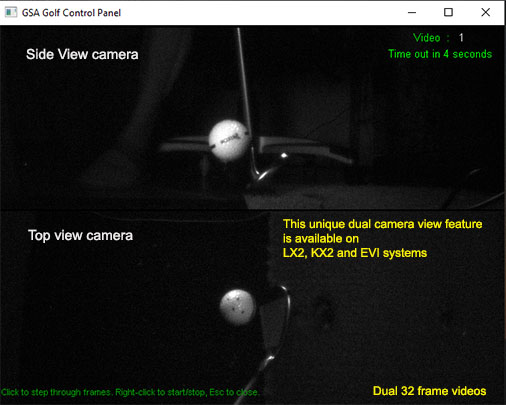
The new "Mini" shot videos are immediately displayed in the game software after every shot.
The video window can be positioned anywhere in the game software.
Click above images to see a YouTube video of the feature
GSA Golf system minimum PC requirements
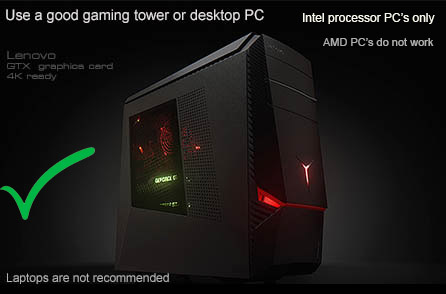
Intel i5 or above Processor
Warning! Do not use PC's with AMD processors.
8GB RAM Nvidia 1070 Graphics Card or equivalent
25GB of Hard Drive Space
Windows 10 or 11 (Required)
Internet Connection
(Required if using 3rd party game software such as E6, TGC or GSPro)
USB3 ports (Required)
Note: The cameras are USB3 cameras
and will only run at the correct speed when connected via USB3 cables directly to separate USB3 ports on the PC
Warning
If using 2 cameras, do not connect the cameras together with a Hub !
All cameras must be directly connected to separate USB3 ports on the PC
Use only powered USB3 extension cables if the supplied cables are not long enough
Technical Support


E-mail support is free of charge for all original purchasers of GSA Golf systems.
Warranty and Return Policy
Warranty is 1 year for the cameras
Returns must be made within 30 days and have a 15% to 20% restocking fee
Please read our legal notice via the link below regarding warranty periods and return policy
Note that a 15% to 20% re-stocking fee (depending on condition) will be charged in the event of a return
Customer is required to return the product at own expense. ie, GSA Golf do not send free return labels
Note: this 30 day return policy does not include 3rd party game software such as TGC,
enclosure items such as screens, flooring, drapes, panels etc.
i.e. it is solely for camera tracking systems
Please read our legal notice via the link below regarding warranty periods and return policy
Commercial use of GSA Golf tracking systems
GSA Golf VisTrak tracking systems are solely intended for use for private individuals at home.
As such, GSA Golf is not responsible for any issues that may occur when the products are used in a commercial environment
such as an indoor golf facility
and do not accept any responsibility for loss of business should the products not perform to customer's of a commercial enterprise expectations.
Use of GSA Golf products in a commercial environment is solely at the risk of the purchaser.
While all basic technical support is offered to purchasers of GSA Golf systems used in a commercial enterprise
no additional support is offered unless paid for.

Contact me - Martin - for details

Tel: 239 529 3060

 Home
Home Products
 Cameras
 Software
 Enclosures
 ProTee
 E6 Courses
 Business
 Tech News
 View Cart